Perfect ticket, bad prompt
I accidentally found the right prompt for a bug from a few months ago while experimenting with a new tool.
A simple fix#
Back then, a colleague reported that a frontend service was spamming a search endpoint. If you searched for "expected", you triggered six calls, one for each character after the first two. It was weird because we hadn't touched that part of the code in a while, but it had to be a simple fix. I assigned Claude to the ticket and was surprised by its solution. It added useMemo in all the right places, but completely missed the fact that we don't need it because we use React Compiler.
While I don't remember the exact model, maybe Opus 4.7, it definitely wasn't some random model. The compiler stopped working after a Vite upgrade and the bugfix quickly turned into a quest to get the agent to see that. It never did, and I had to move on to the next task.
Before moving on, I added a test and a note to CLAUDE.md: "we use React Compiler; reaching for manual useMemo, useCallback, or memo means check the compiler first". The test runs the full transformation pipeline for a mock component and checks for an import of the compiler runtime and a call to the memo-cache hook _c().
Finally, I complained to everybody about how stupid it was.
Accidents happen#
For this post, I wanted to test the new React DevTools for Agents and I remembered that bug. I checked out the commit right before the debounce fix and removed anything that could point at React Compiler or the fix. The plan was simple: run Opus 5.5 High with three different prompts and compare the results:
- No tools specified:
find performance issues in the share dialog - Use Chrome DevTools:
find performance issues in the share dialog, use Chrome DevTools - Use React DevTools:
find performance issues in the share dialog, use react-devtools-cdt-mcp
Disappointment again: not a single one mentioned the compiler. Claude compared the results, and pointed out that the first agent couldn't load Chrome DevTools, used Playwright instead, and didn't even catch the bug. It told me to prompt search debounce used to work, now it doesn't. find out why.
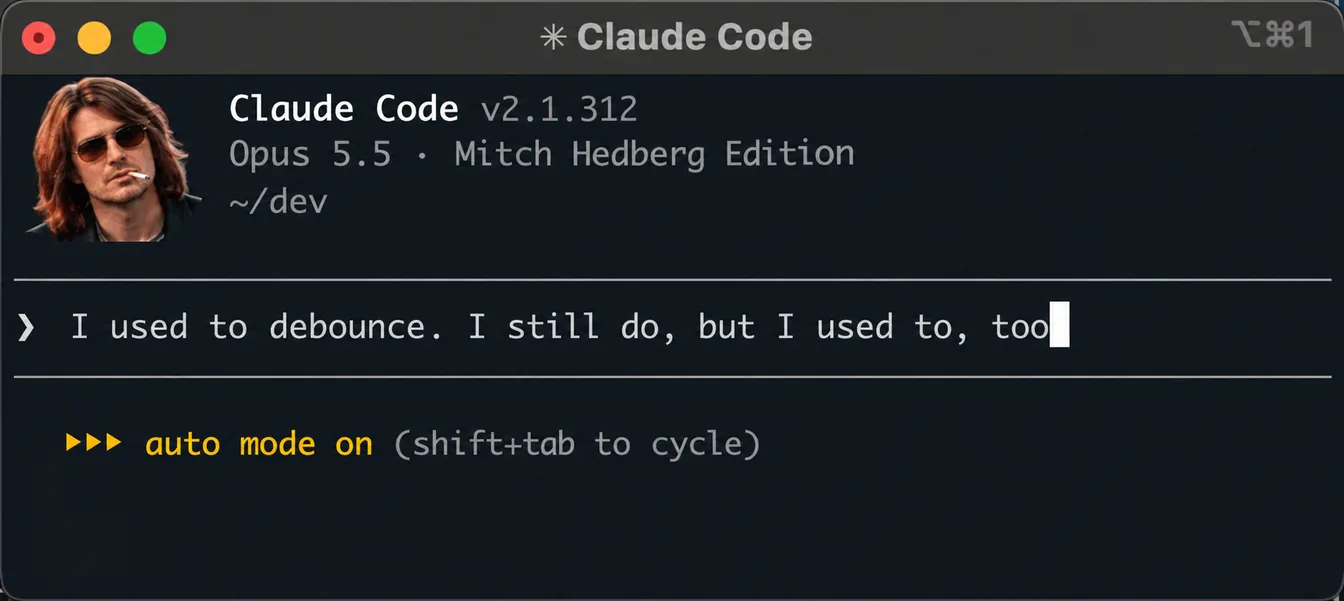
At first I was about to just run the first prompt again to get a fair result, but I got curious. Running the proposed prompt, Claude found the commit "Installed React Compiler" that removed the manual useMemos, and realized the compiler had stopped working with the Vite update. I ran it two more times and got the same result.
The perfect ticket#
Then I pulled the original ticket (anonymized) and ran it again:
Summary
The team-member search field in the share dialog sends a separate backend request for (almost) every keystroke instead of one request per settled search term. Typing a name generates a burst of requests against the team-member search endpoint, putting unnecessary load on the backend.
Where
Frontend: web app
Affected components:
src/SearchInput.tsxEndpoints hit per keystroke:
POST /api/contacts/{searchString}/board/{boardId}- plus the follow-up user-info call for each returned result set
Steps to reproduce
- Open a share dialog → Invite tab.
- Open the browser network tab.
- Type a team member's name into the search field (e.g. "alice").
- Observe the requests to the team-member search endpoint.
Expected
A single search request fires after the user stops typing (the field is intended to be debounced ~500ms).
Actual
One request fires for essentially every distinct prefix longer than 2 characters. Typing "alice" produces requests for "ali", "alic", and "alice" (each also triggering a follow-up user-info call). Faster typists / longer names produce proportionally more requests.
Root cause
The lodash debounce used to throttle the search is re-created on every render inside the component body (
const debouncedSearch = debounce(..., 500)). Because each keystroke re-renders the component (via the field-value state update), every keystroke gets a fresh debounced instance with its own independent timer, so no keystroke ever cancels the previous one's pending timer. The debounce is therefore effectively a no-op — every keystroke's timer fires. The final value is still applied correctly, so the feature appears to work in the UI; only the request volume is wrong, which is why it went unnoticed.Impact
- Unnecessary load on the backend team-member search + user-info endpoints (roughly 3–5x the intended request volume for a typical name).
- Reduced perceived responsiveness of the search field.
Nothing. Again, no React Compiler.
Set Max effort. Nothing.
To see if anything in the ticket was misleading the agent, I added search debounce used to work, now it doesn't. find out why to the ticket. It still figured out that React Compiler was turned off.
Used to work#
| Prompt | Runs | Found the compiler |
|---|---|---|
| Perf prompt (no tools, Chrome DevTools, React DevTools) | 3 | 0 (one run didn't reproduce the bug) |
| Original ticket | 1 | 0 |
| Original ticket, Max effort | 1 | 0 |
| "Used to work, find out why" | 3 | 3 |
| Ticket + "used to work" | 1 | 1 |
4/4 with "used to work", 0/5 without it.
I complained about how stupid Claude was, and it showed me that I was the stupid one.
This was a perfect ticket, but it was missing that one thing: it used to work. Without it, every agent found what was wrong. With it, they went looking for what changed, and found the commit.
What do you think, would an agent have found the note about manual optimization? I didn't test it because I think there is a much better way. Let's hope I find this note: "next post: deterministic guardrails".